
Tickets in Dream™
Your all in one ticketing platform by Vivacity
The Tickets Page
From vendor repair to IT requests and more, we have expanded ticketing to cover all of your needs. The tickets view is your home page for ticket management and creation. Follow along with the next few pages for more details on Helpdesk Tickets, how to assign and manage them, and how to add Internal Repair or Vendor Repairs to them.
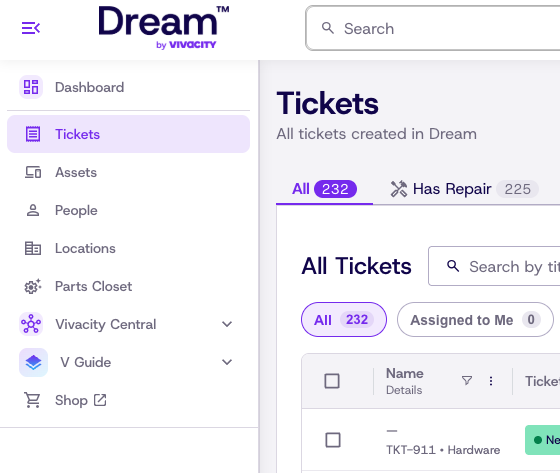
Jump straight in to a topic:
Ticket Page Navigation
We have condensed the ticket page to provide exactly the information that you and your teams use every day
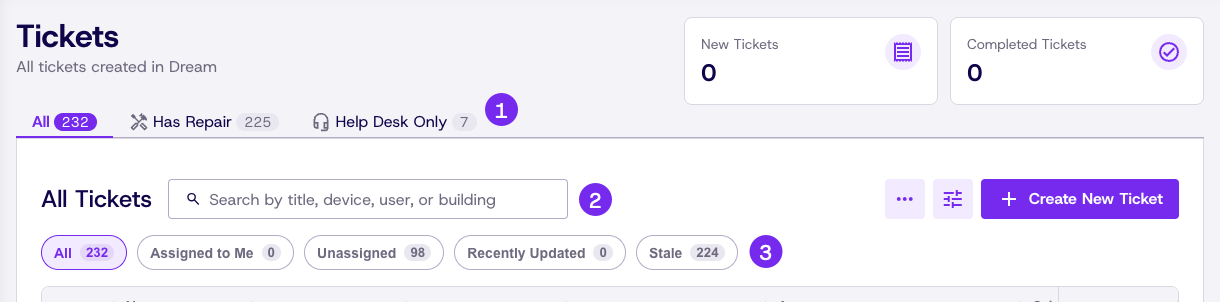
Filter for only the information that you need
- Swap between tabs that let you see all Helpdesk tickets, repair only, or Helpdesk only
- Our improved search lets you find a ticket by title, device, user, or building
- Our quick filters let you toggle common filters on and off with a single click
Parts of a Helpdesk ticket
From the ticket view Helpdesk tickets are simplified to give you quick access to the most relevant ticket details to you. The Tickets view now includes...
- Name: Shows what you named the ticket, the ticket number, and the issue category
- Ticket Status: Shows what the current status of the ticket is. Statuses are color coded for quick reference
- Repair: Links open repairs created on the Helpdesk ticket. Click a repair number to navigate straight to that repair's details page
- Assigned To: Shows what agent is currently assigned to the Helpdesk ticket
- Asset: Shows any asset attached to to Helpdesk ticket
- Submitted For: Shows the impacted person and location that the Helpdesk ticket was created for

Updated 21 days ago
Did this page help you?