
Helpdesk Ticket General Information
Your guide to everything that makes up a Helpdesk ticket
Finding a Helpdesk ticket
-
By searching the ticket number or name in the search bar, you can navigate directly to the Helpdesk ticket details page.
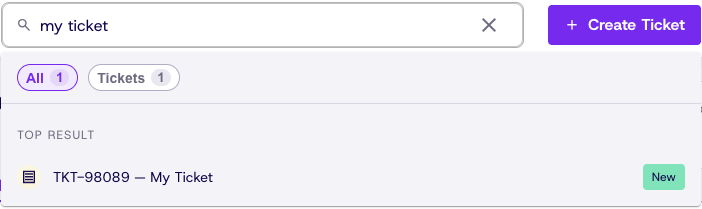
-
This page can also be reached by clicking view next to a Ticket on the Tickets page.

Ticket Info
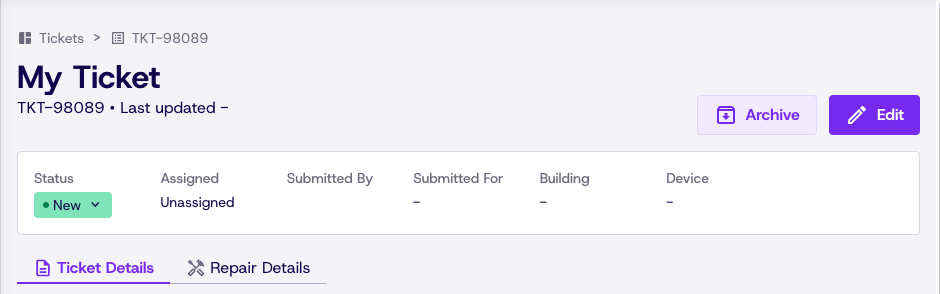
The top of the ticket details page gives you all of the high level information about a Helpdesk ticket including its name, status, and details added in the last step. This is also where you can make edits to a ticket's details or status.
Ticket Detail Cards
Under the ticket details tab, you can find cards filled with information tied to the Helpdesk ticket
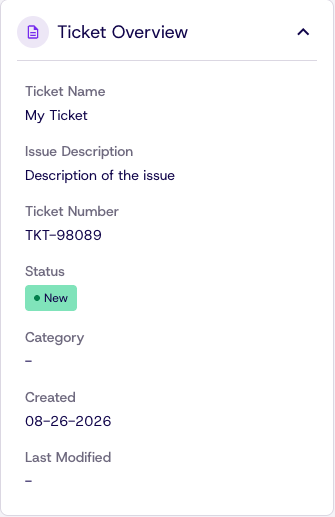
Ticket Overview
What is this ticket? What is it for? When was it made?
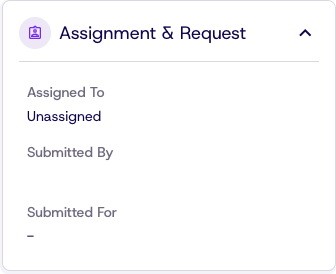
Assignment & Request
Who submitted the ticket? Who is assigned to the ticket? Who is Impacted by the issue?
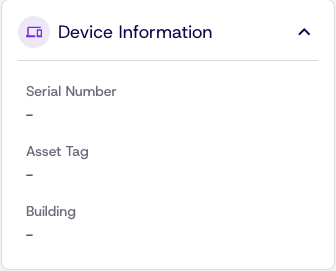
Device Information
What device is attached to this Helpdesk Ticket? What is the SN and Asset Tag? What building does the device belong to?
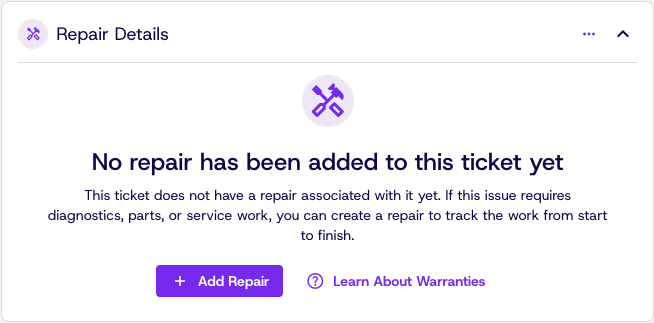
Repair Details
Does this ticket have an associated repair? If not, one can be added directly from this card! There will be more info to show here when we dive into repairs later in this guide.
Linked Tickets
Need to link two Helpdesk tickets together? Want to see all tickets linked to this Helpdesk ticket. Find all of that information here.

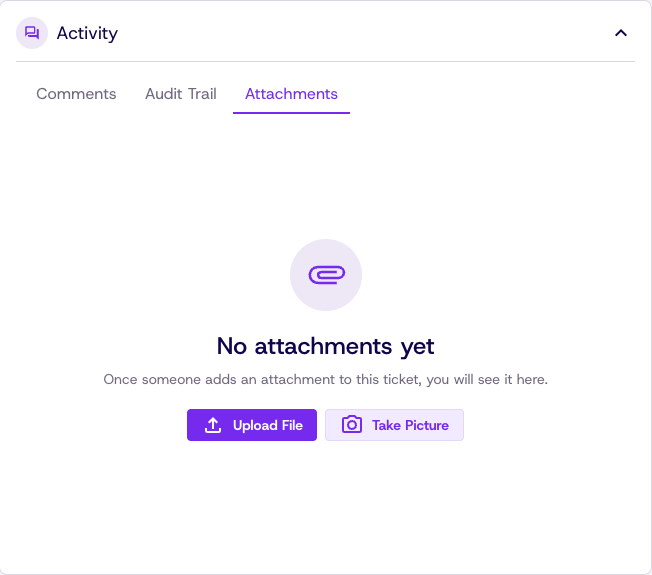
Activity
Add photos or documentation to a Ticket. See the audit trail of the ticket. See comments and updates.
Updated 23 days ago