
More Reports
Bringing data from across your Organization straight to you from your Report Center in Dream.
Navigation Steps
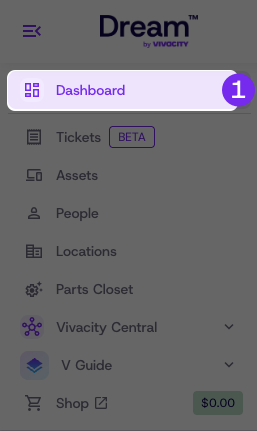
- Navigate to your Dream Dashboard
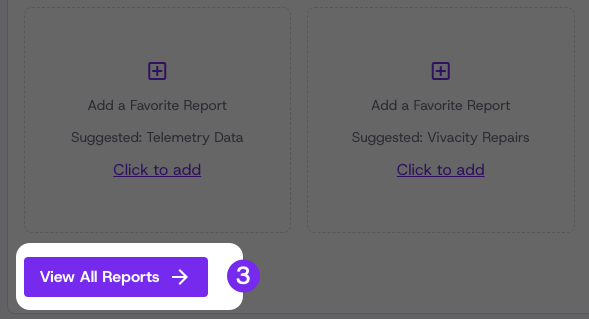
- Click View all Reports under the Reports Card
Fleet Health & Usage Reports:
Telemetry Data
Track asset performance, usage metrics, and diagnostic alerts.
Device Repair History
View a report on repairs completed at Vivacity, including a full list of ticket numbers, statuses, and buildings.
Repairs & Operations Reports
Vivacity Repairs
View data on Vivacity repair statuses, repairs by date, manufacturers in the fleet, and common failure types.
In-House Repairs
View a report on repairs completed internally, including repair counts, statuses, and failure types.
Repair Technician Performance
Track technician performance, efficiency metrics, and service completion rates.
Full Fleet Itemized Damage
View, filter, and export detailed repair data in one place. Includes all repair information for easy tracking and reporting.
Breakage Rates
View, filter, and analyze breakage rates by model, manufacturer, and time period.
Financials & Value Reports
Fleet Value
View total value of fleet, including asset deprecation and estimated worth.
Account Credit History
Track repair credit earned over specified time periods, buildings, or OUs.
Asset & Fee Summary
See a full view of asset inventory, asset details, and related student balances.
Inventory & Parts Reports
Package Tracking
Track all package activity, including incoming and outgoing repairs, part dispatches, and fulfilled orders.
Part Consumption
View, filter, and analyze parts usage by category, building, and time period.
Updated 2 months ago