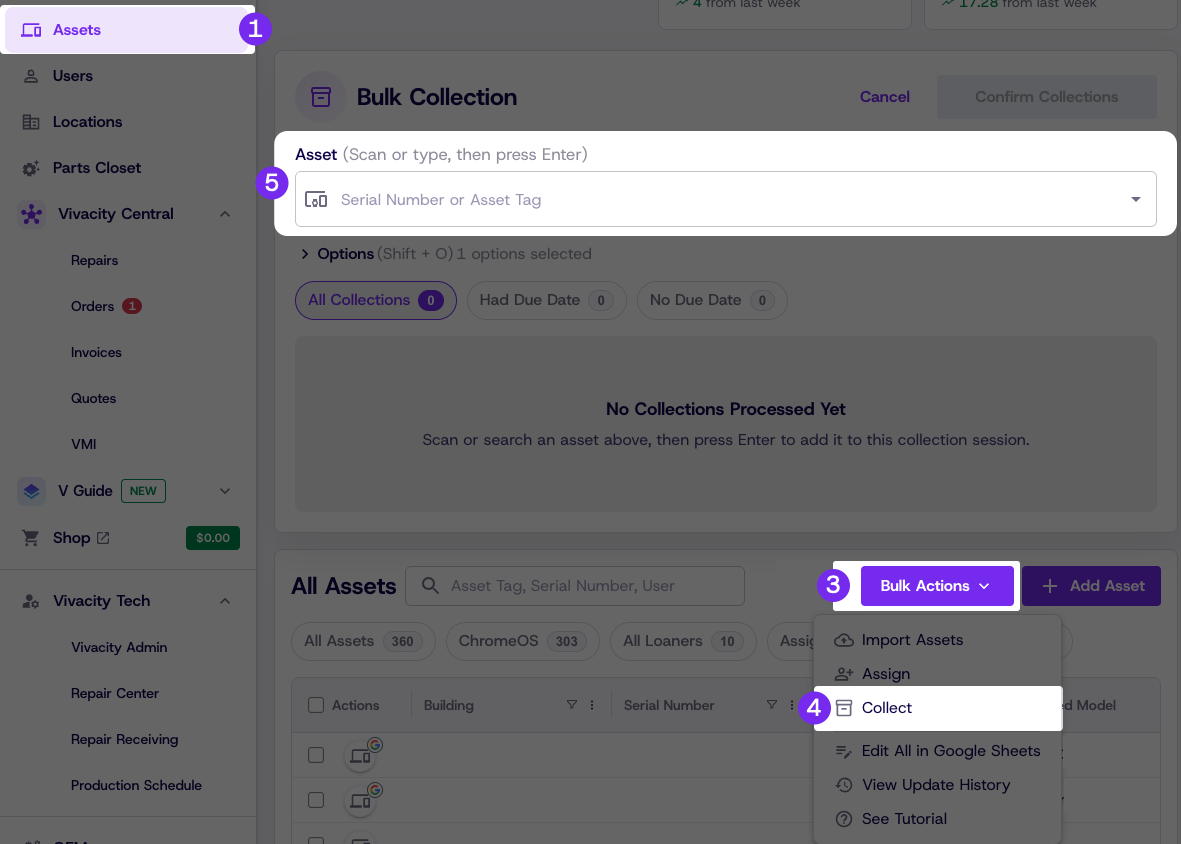
Assets & InventoryLoaner Management Loaner Management — CollectUse this process to check in a loaner device when it is returned. Steps Click Assets Filter by Checked Out using the provided quick filters to view checked out devices in the loaner pool Click Bulk Actions Click Collect Enter the return information Click Confirm Collections Updated 3 months ago Loaner Management — AssignParts ClosetDid this page help you?YesNoCopy PageSteps