
Custom Roles
Custom roles allow you to control what users can see and do within Dream™. Roles can be created, edited, and assigned from the Settings area.
Create a New Role
- Click My Profile in the top-right corner, then click Settings
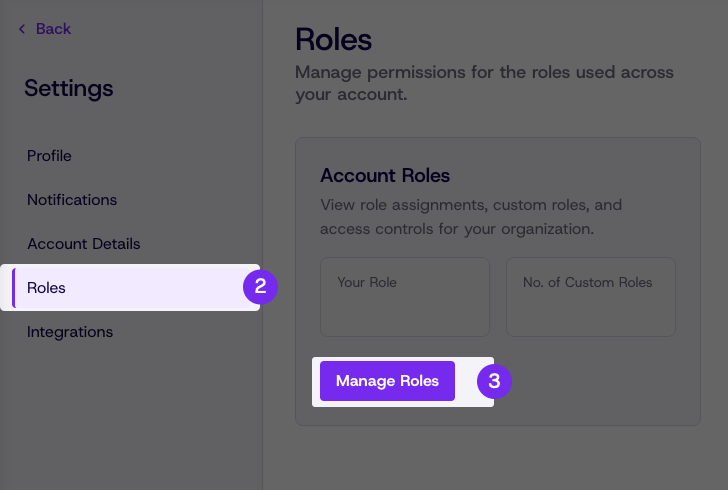
- Click Roles from the settings menu
- Click Manage Roles
-
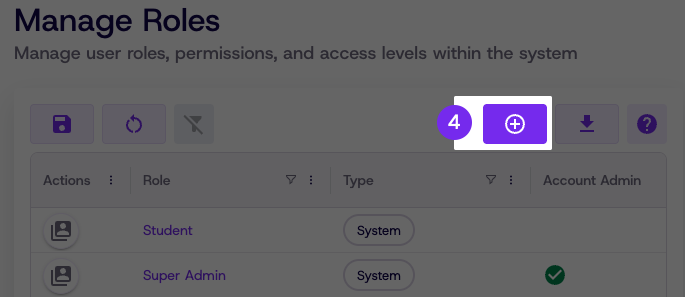
Click the Add Role button
-
Enter a Role Name and Description
-
Click Save
Edit an Existing Role
-
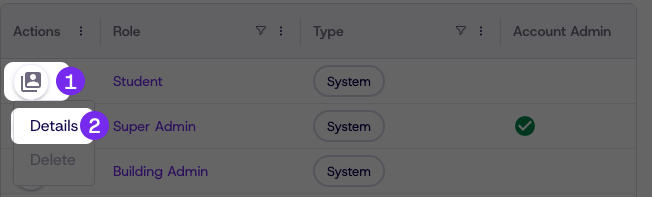
Click the action button next to the role you want to edit
-
Click Details
-
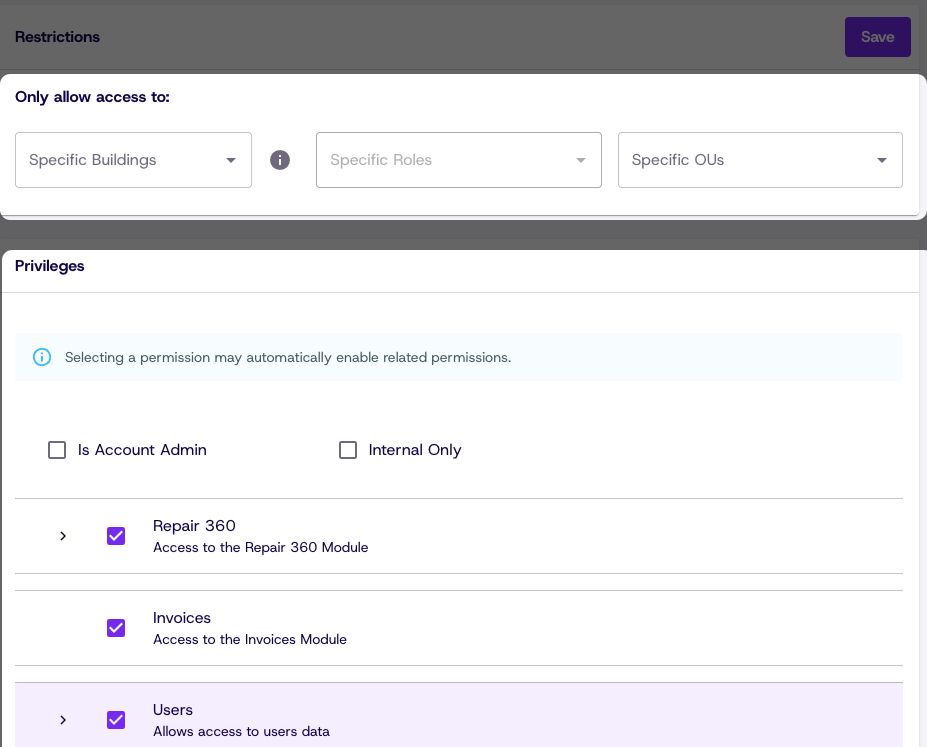
In the Role Privileges section, check or uncheck the privileges for that role
-
Click Save
Updated 8 days ago
Did this page help you?