
Parts Closet
The Parts Closet allows you to manage your own inventory of custom parts available for internal staff and student repairs.
Add a Custom Part
-
Click Parts Closet
-
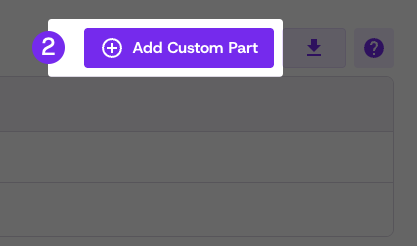
Click Add Custom Part
-
Enter all relevant part information, including the optional bin location
-
Click Submit
Added parts will be available to select when creating internal repair tickets.
Tip: Parts Closet is for parts you have sourced and purchased yourself.
These are custom, self-managed parts that live in your own inventory.
Vivacity has no visibility into your Parts Closet stock levels or usage.
Updated 3 months ago
Did this page help you?