
Reports in Dream
See detailed reports from all parts of your organization in one convenient place.
Report Center
To see all of the reports that Dream has to offer, navigate to the Report Center
Steps
-
Click Dashboard
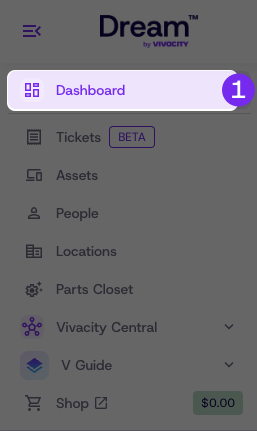
-
Scroll to the Reports card
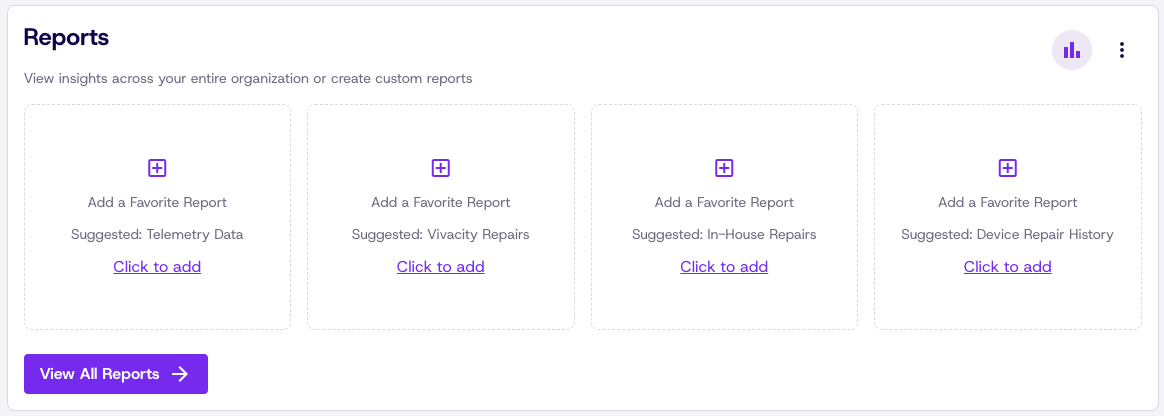
- Click View All Reports
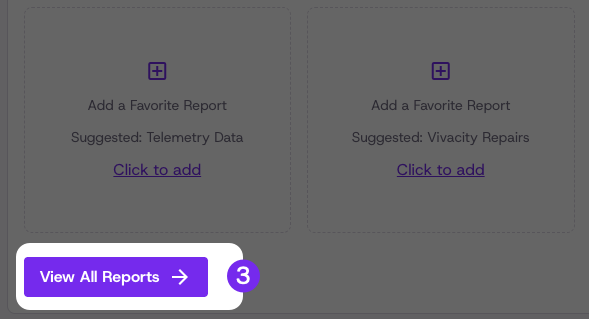
Favorite Reports Dashboard
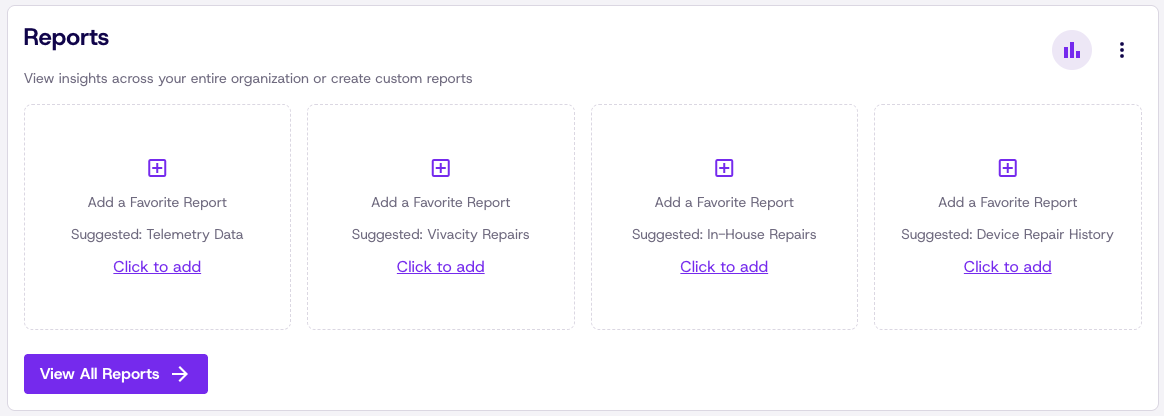
Favorite Reports are now located directly on the Dream dashboard. From here you can quickly view your favorite reports or see quick live data.
Navigation Steps
- Navigate to the Dashboard
- Scroll down the page to find the Reports Dashboard
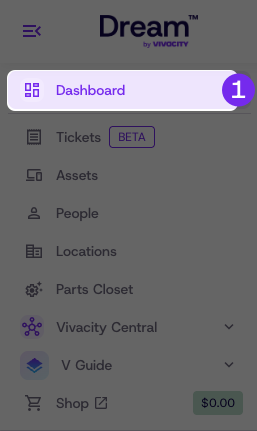
How to Add Favorite Reports
From the Report Dashboard you can add suggested reports or choose your own to find the perfect report for you.
Steps
- click the card on the reports dashboard to see all reports
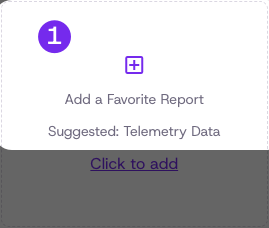
- Click the Star icon on up to 4 reports
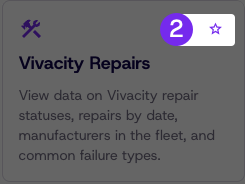
- Click Save
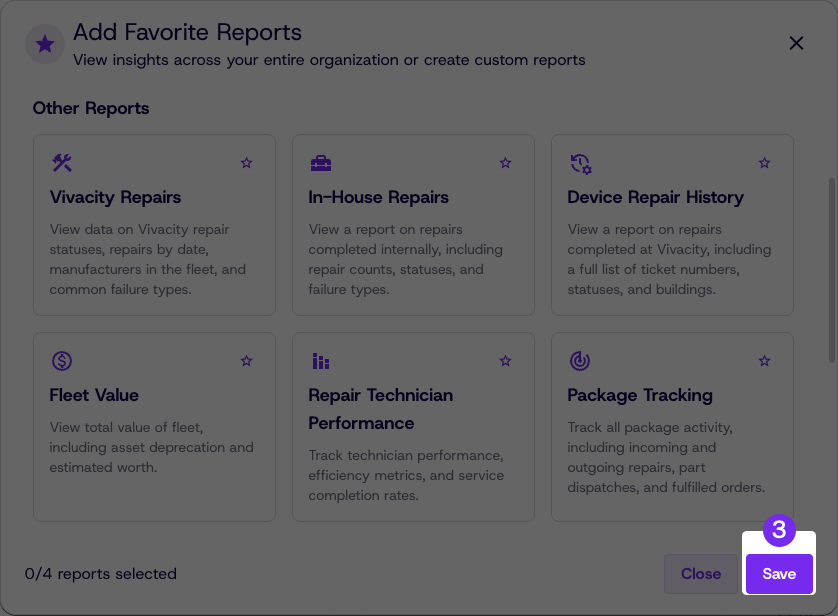
Follow along with the next few pages to see some of these reports in action!
Updated 2 months ago
Did this page help you?