Integration Setup
Google Admin Console (GAC) Integration Setup
Connect Google Admin Console to Dream™
-
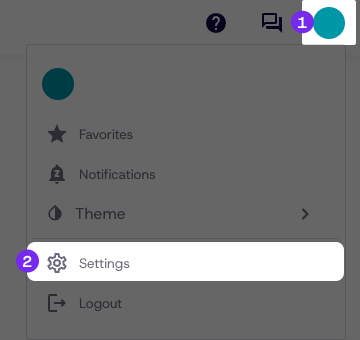
Click My Profile in the top-right corner
-
Click Settings
-
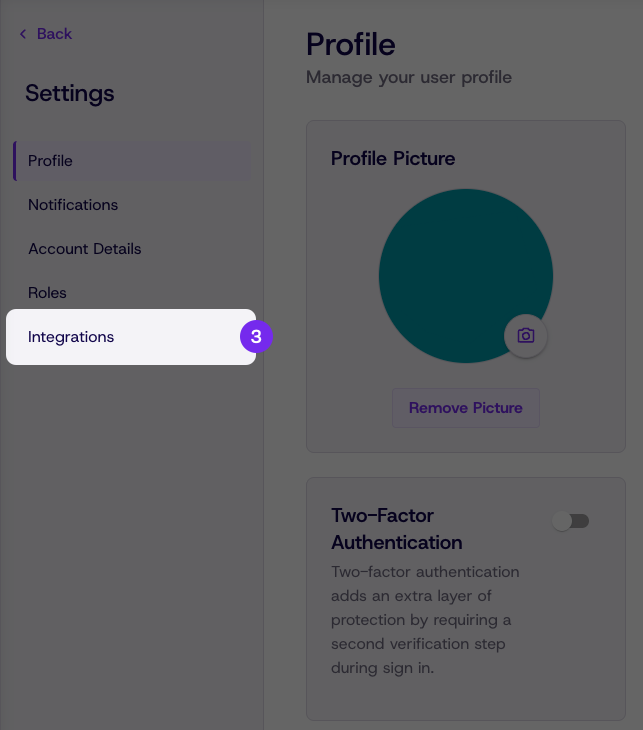
Click Integrations from the settings menu
-
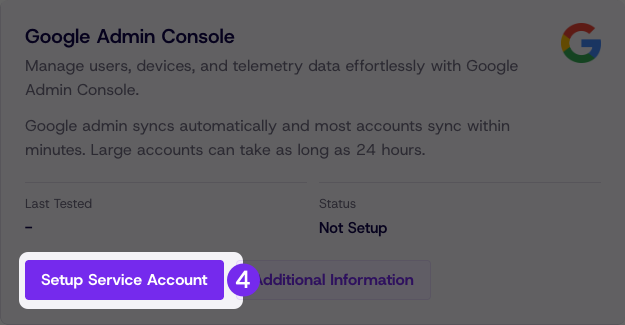
Under Google Admin Console click Setup Service Account
-
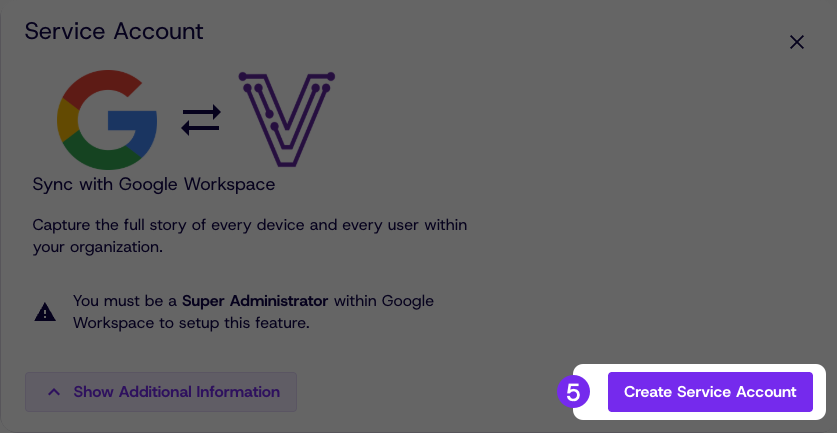
Click Create Service Account
-
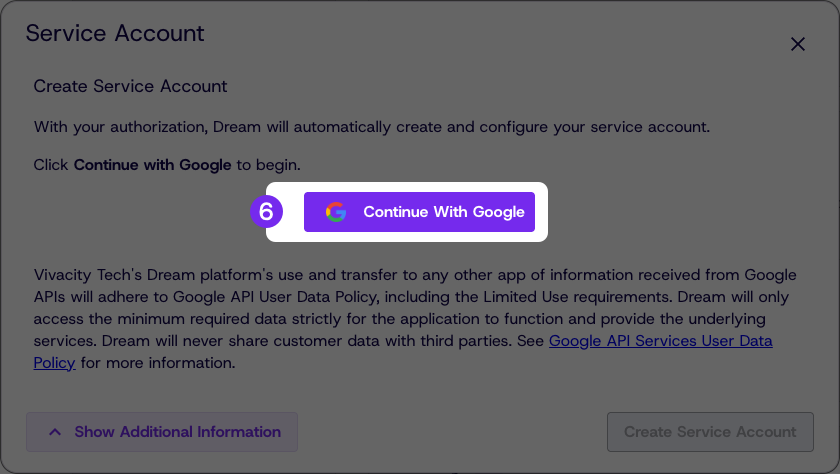
Authenticate with the GAC Super Admin account for the domain you want to sync by clicking Continue With Google
-
Review the GCP service account project name and GAC service account ID, then click Create Service Account
If processing takes more than two minutes or gives an error, click Create Service Account again.
Confirm the Integration
Once the service account is created, the status will display as Enabled with a last tested date.
Click Test Service Account to confirm the connection is working.
Updated about 1 month ago
Did this page help you?