
Bulk Add People
Add people in bulk to your Dream account
People inside your GAC account will be synced automatically if selected during the GAC sync. If not all managed people appear in GAC or if GAC was not synced with your Dream account, they can still be added in bulk using the following steps.
Bulk Add Steps.
-
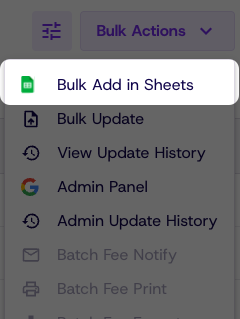
In the people tab click bulk actions
-
Click bulk add in sheets (If sheets does not open automatically click open manually)
-
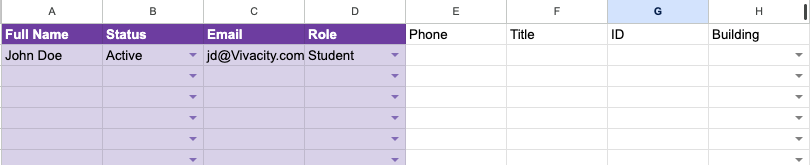
Fill in the person information (Required information will be in purple)
-
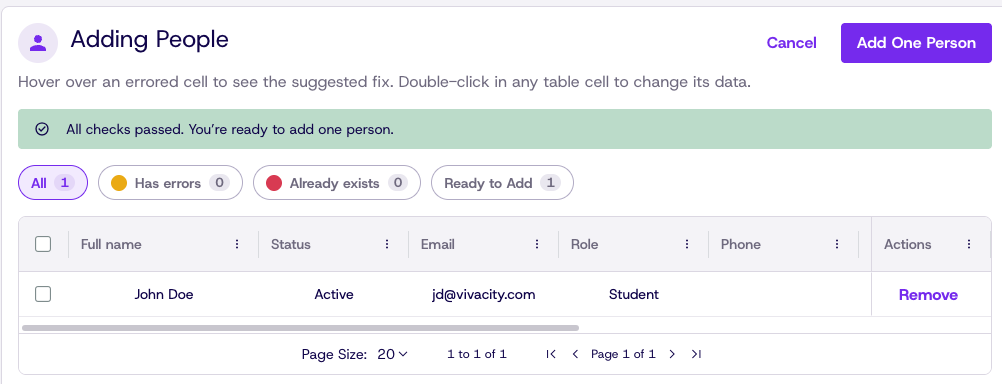
Return to Dream to verify and correct entries
-
Click Add people
Updated 14 days ago
Did this page help you?